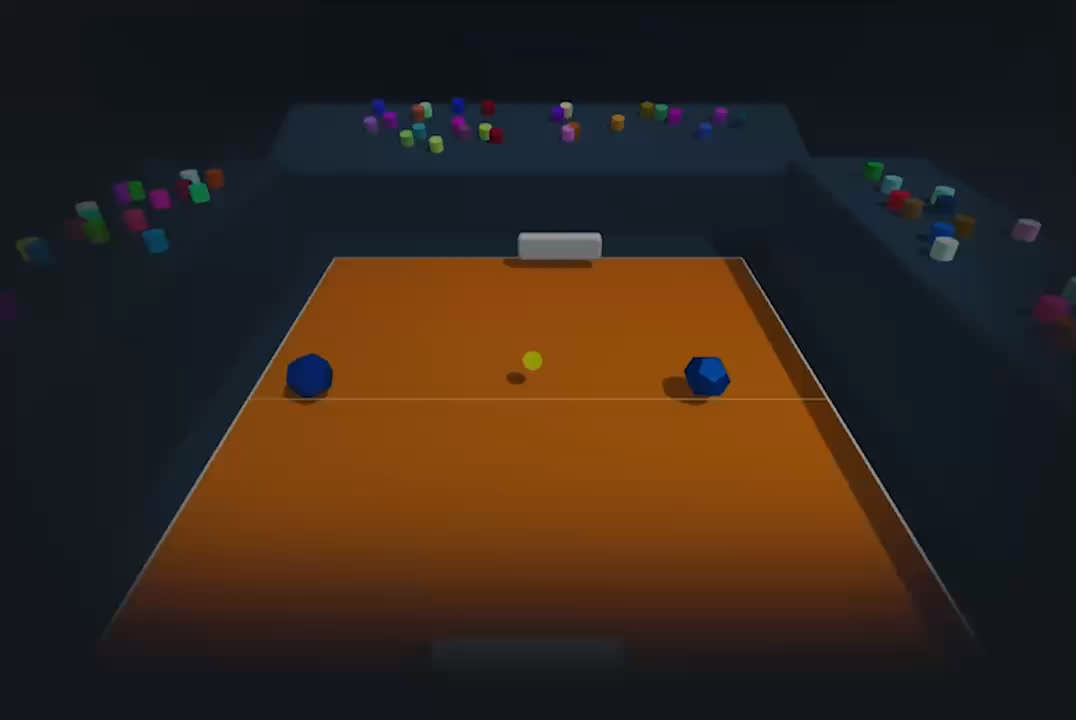


The arcade tennis game,
in 2D or 3D — 100% free.
A fast, nervy battle clash packed with special shots and merciless bumpers. Switch between 2D and 3D mid-match and keep the points coming.
Press or and the camera changes instantly, without breaking the rally. Same match, two viewpoints: the sharp readability of 2D or the spectacular depth of 3D. Your call, any time.
Five special shots to pull off at the right moment, each with its own quirk. Mastering the timing is what separates a beginner from a champion.
Two gauges fill up as consecutive rallies go on. At 100%, the Supershot () triples the ball's speed. The Droneshot () turns the ball into a guided missile you steer in mid-air with your racket.
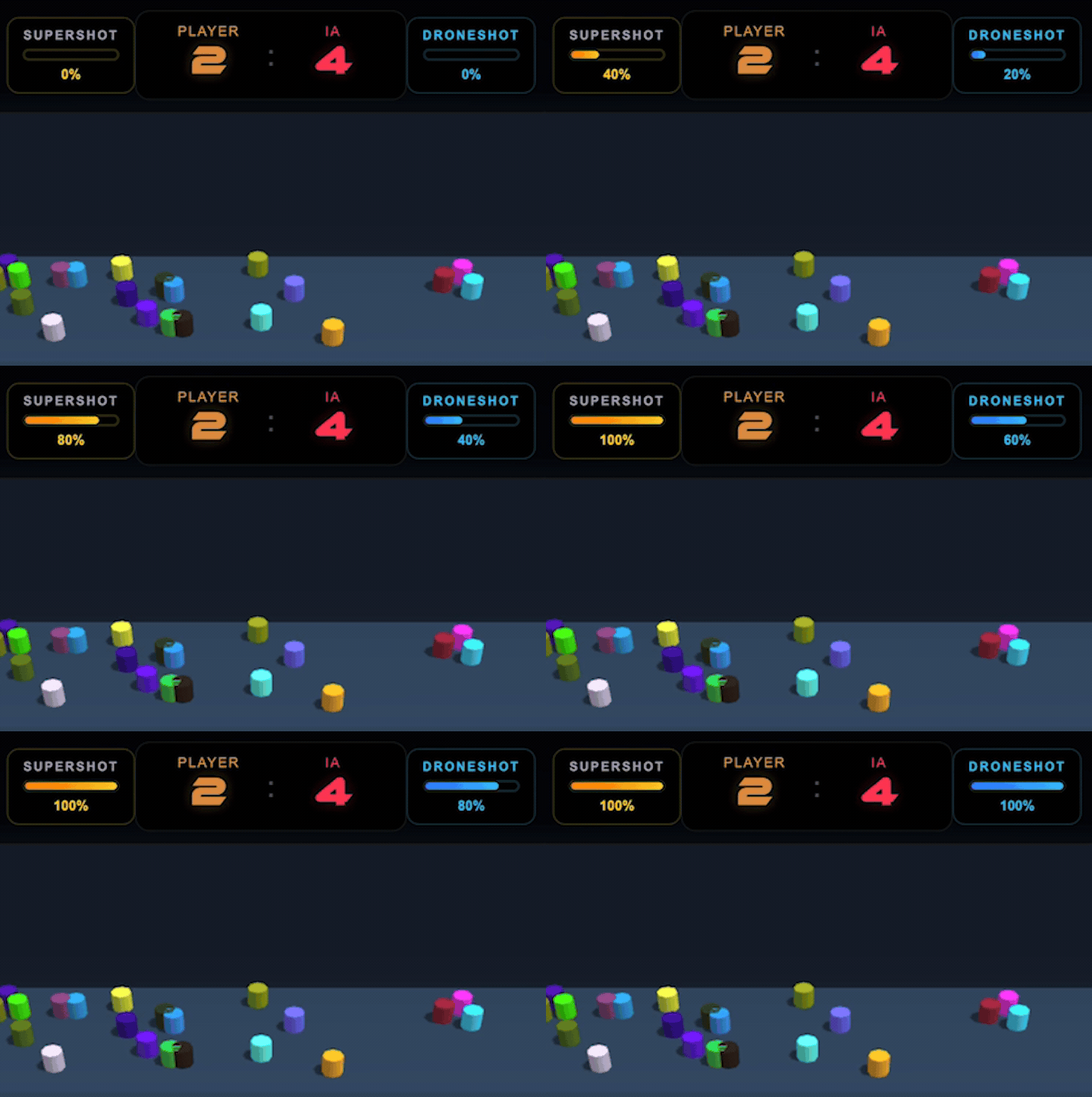
Mid-game, obstacles pop up on the court. Each has its own effect: bonus, penalty, extra balls, a racket that grows or shrinks… No two matches are ever alike.
Start an online battle on your phone, tablet or computer — or play offline on your Mac! MEGATENNIS is always within reach, with no account to create, and you can set the base level that suits you best while pushing yourself up to the next difficulty.

Right in the browser, on desktop, mobile and tablet. Installable to your home screen in one tap (PWA).
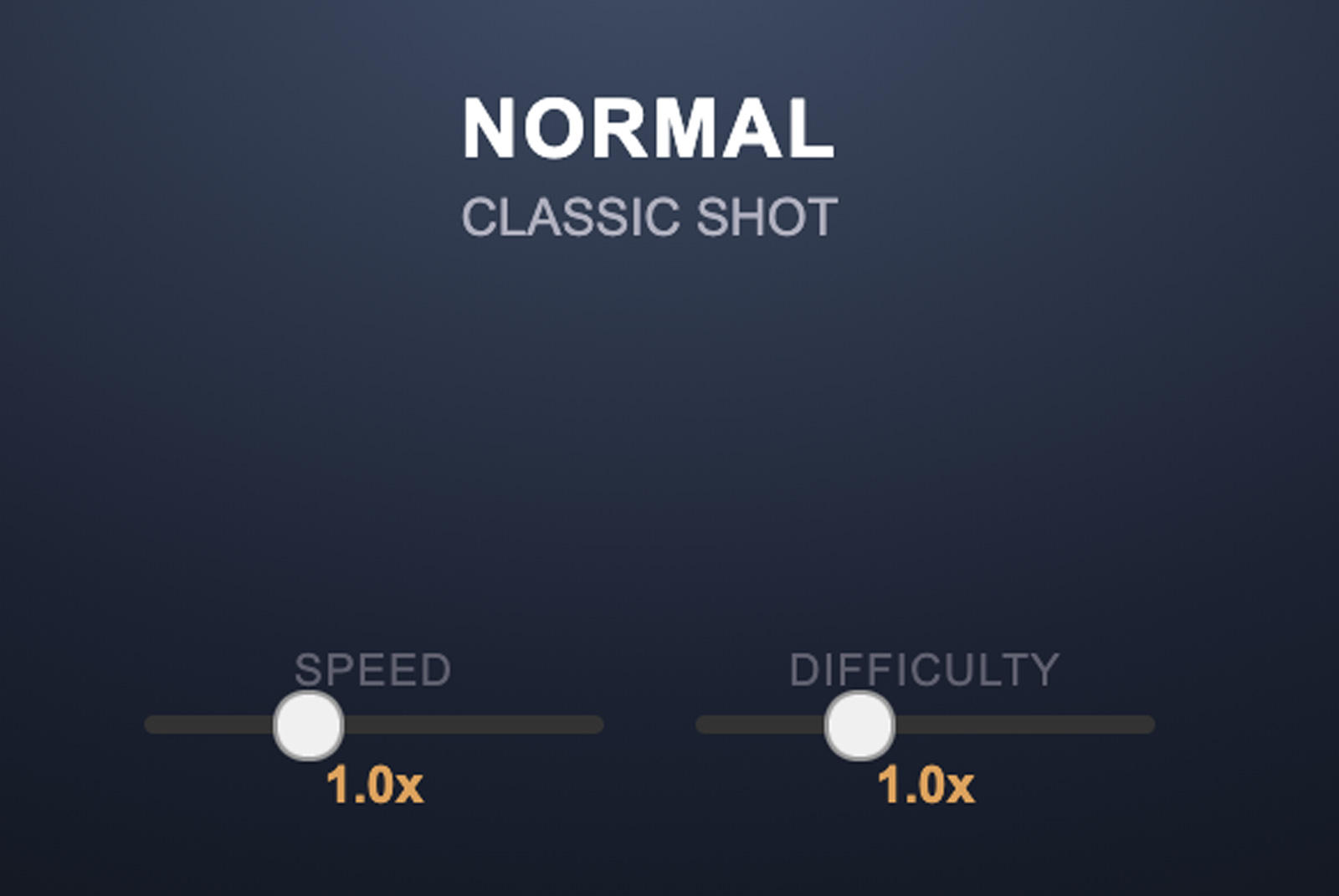
Two sliders tune the ball's speed and the AI's aggressiveness, from laid-back to explosive.
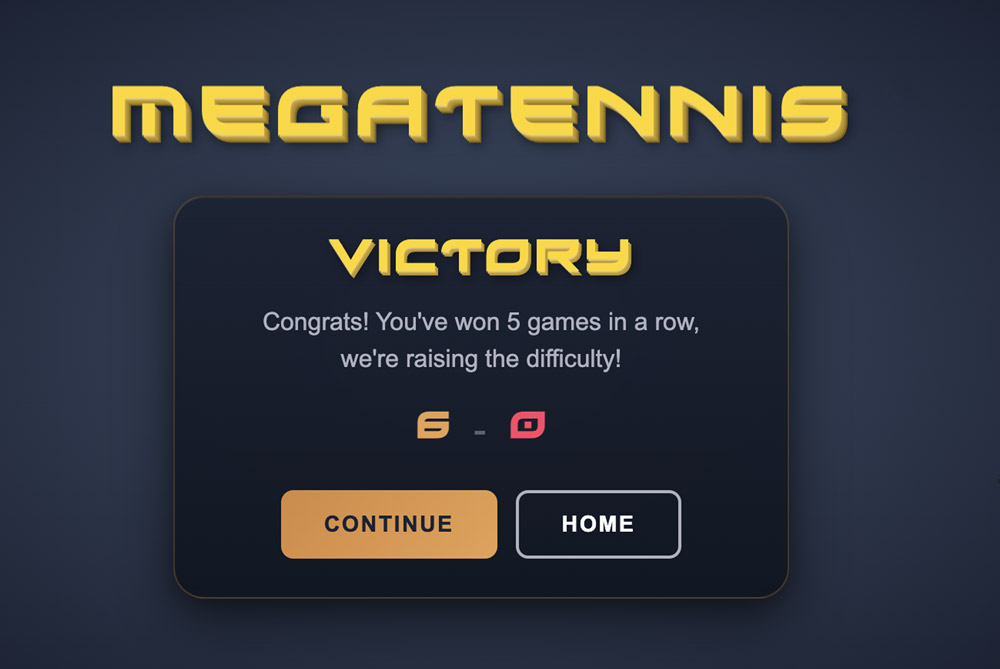
First to 6 points. After 5 wins in a row, difficulty steps up a notch. See how long your streak lasts.
MEGATENNIS is completely free, ad-free and requires no account. Created by an independent developer, not affiliated with the Apple Store® so it can stay 100% free in its choices. Its hundreds of hours of work are a gift to you!
Buy the developer a coffeeSupport is free and optional: the game stays free for everyone.
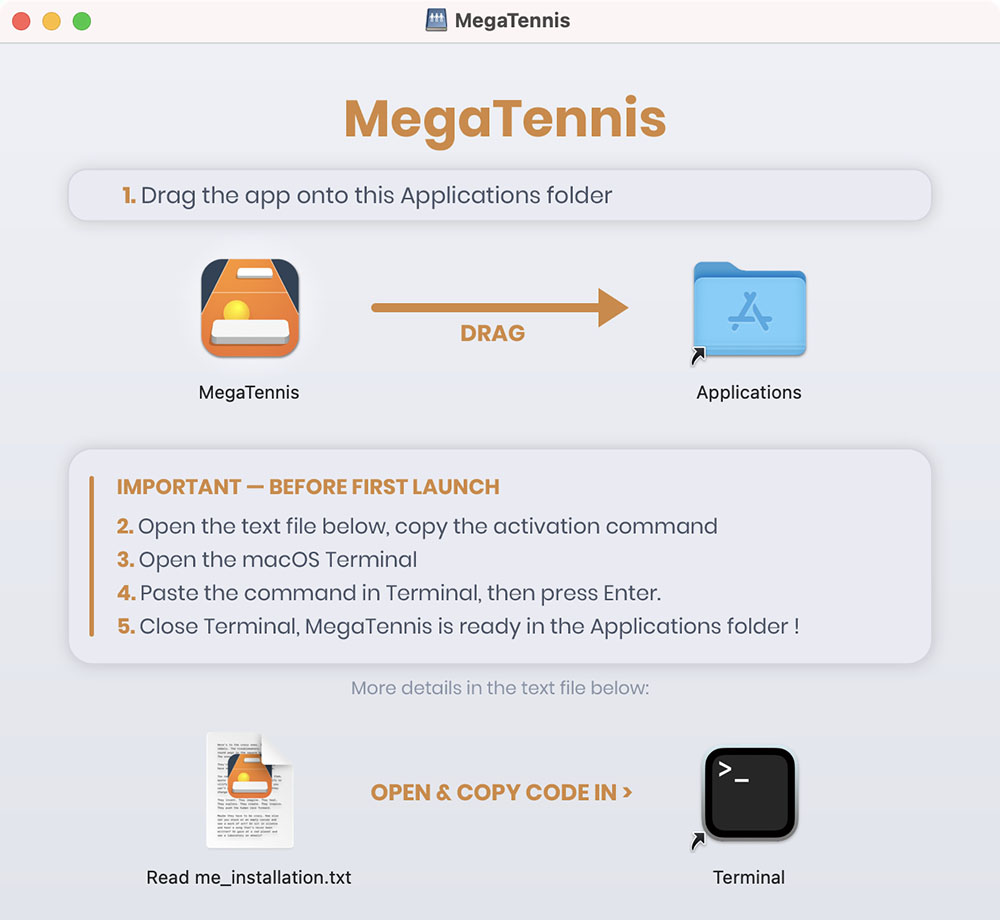
Download MEGATENNIS, drag the app into your Applications folder, enable it manually with a single Terminal command (a one-time step to allow the app on your Mac), then launch MEGATENNIS. That's it: no account, no dependencies to install.
If you run into any install or launch issue, read the help in the Read_me_installation.txt file — several fixes are possible, including the one below…
This script downloads the latest official release from the ganile.com server and installs it straight into your Applications folder, ready to use:
curl -fsSL https://ganile.com/megatennis/downloads/install.sh | bashThis script is viewable in plain source so you can see it’s harmless. View plain source