

Advanced audio/video player, free,
with editing/VFX functions and a sleek design.
Play, loop, trim and export your videos and your music. An exclusive feature lets you zoom and pan inside the image while it plays.
Magnify any part of the video while it is playing, then move freely around the screen. Perfect for framing a loop to the pixel, isolating a detail or savouring a shot without ever pausing. It also works in full screen — great for spotting the fine details in a film!
Set an in point and an out point, and LooPlayer loops the segment endlessly, at whatever speed you want. Forward, backward or back-and-forth: the loop stays smooth and seamless. Export it as video or animated GIF, with the effects of your choice.
Need to quickly cut out parts of a video? Switch to “Trim” mode! Create one or more segments to keep on the timeline and click Export. The segments are exported all at once, as separate items or joined into a single file.
A full set of adjustments, grouped into three families. Tune them live on a still frame, compare, step back if needed. Then set your IN / OUT markers and export the video with the effects and geometry applied! Your settings can be exported to and imported from a file.
Enjoy your albums like in a dedicated audio player: cover art, artist, album and title, queue and continuous playback. Just like with video, isolate audio segments, create loops, change the speed or the pitch. And all of it with a great spinning CD or vinyl animation.
Turn listening into a show. Around ten animated visualizers react to the music in real time. Most offer several colour schemes (each click on them loads new colours).
If you only want this feature — plus the option to use the visualizers as screen savers or animated wallpapers, with more direct access — feel free to use our freeware WowEcho.
Reorder by drag and drop, mix formats, treat every segment as an independent source. Save your playlist to a file and reload it whenever you want.
Protect or sign your exports with text or image watermarks. Position, size, rotation, opacity, font, colour, outline, letter spacing and line spacing: everything is finely adjustable. Save your settings and reuse them.
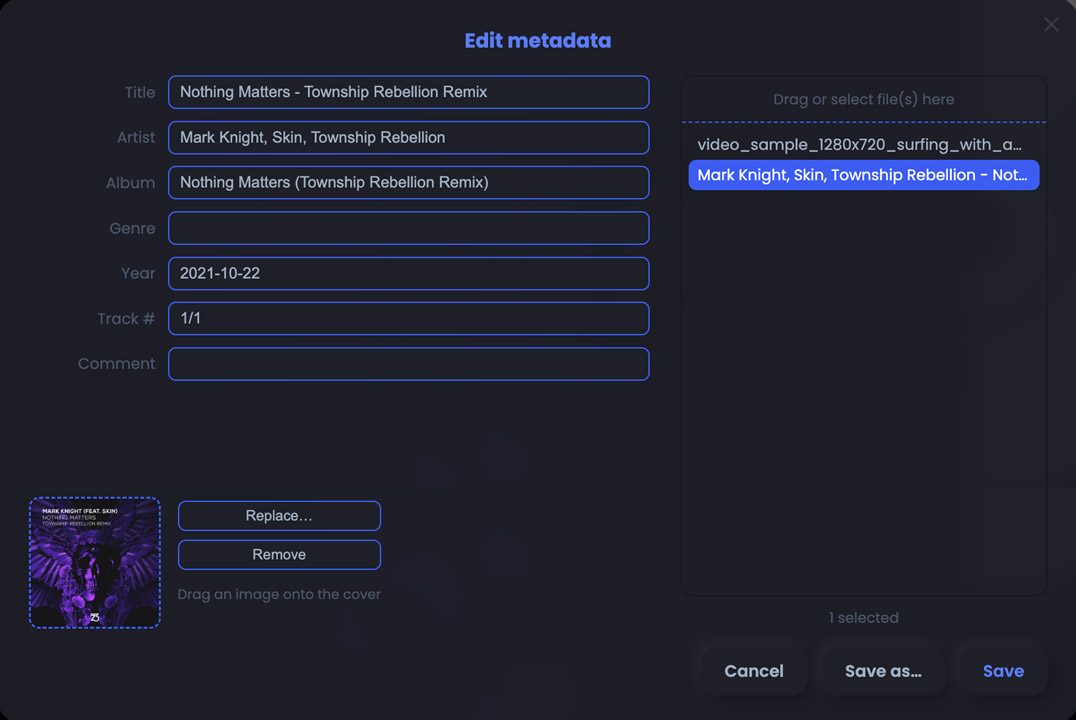
Easily edit the info of your video or audio files (artist, title, album, cover image, etc.). The tool supports multi-selection to process several files at once.
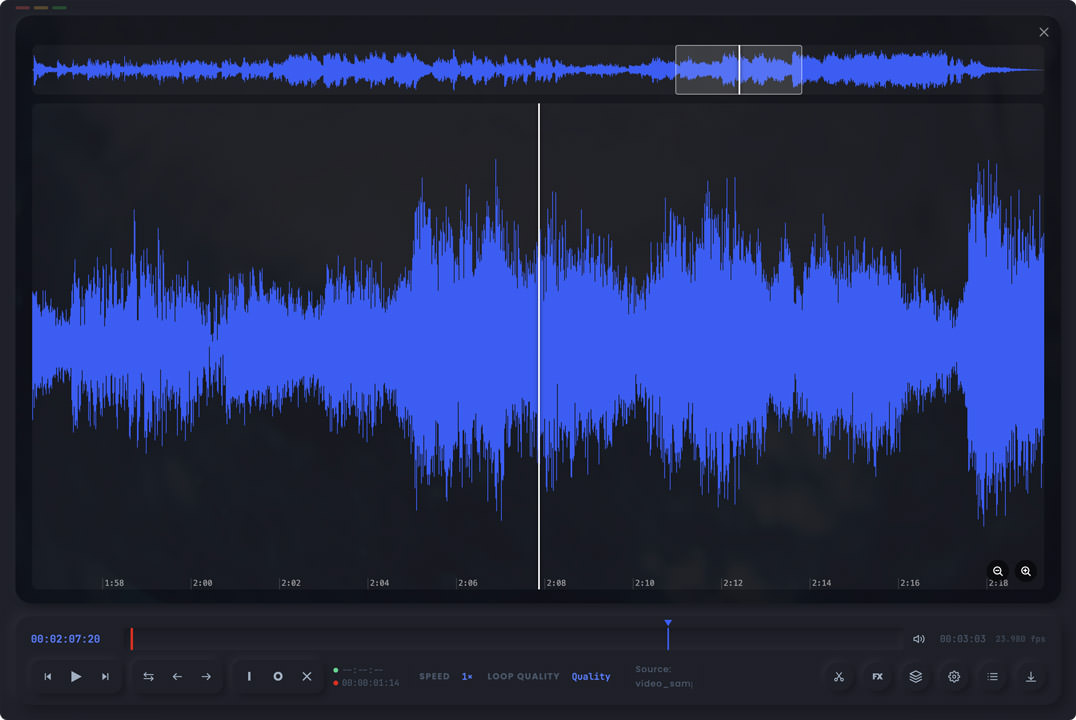
Press the S key and the current media is shown as a sound wave. Handy, for example, to export a specific piece of dialogue precisely.
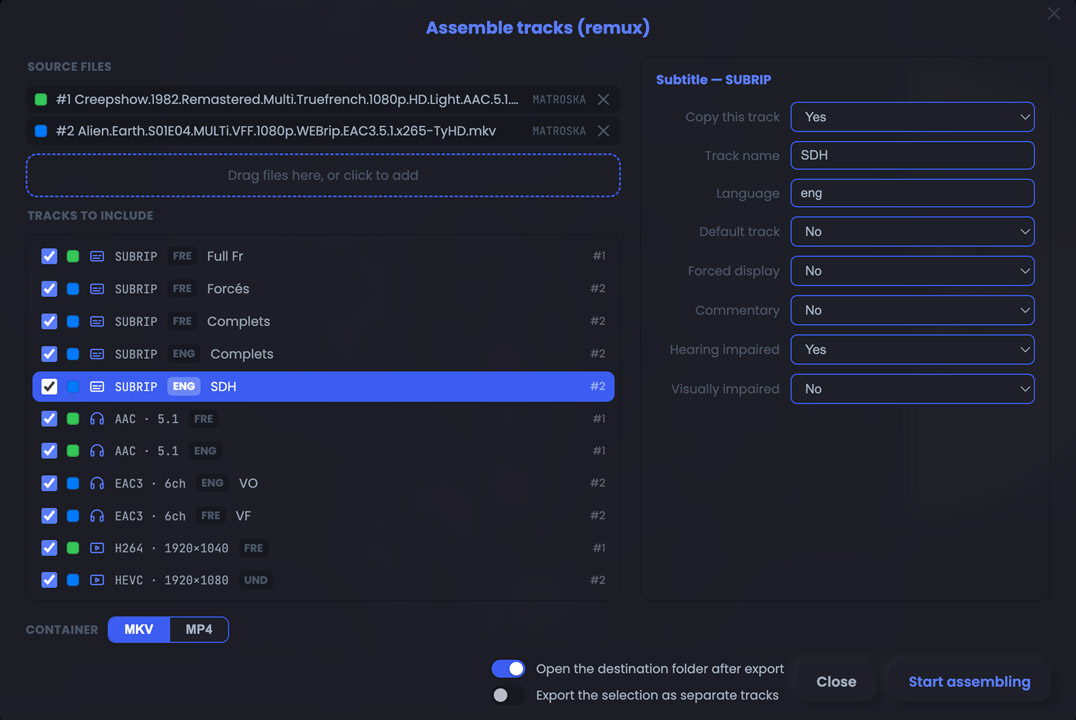
Assemble (remux) tracks (video, audio, subtitles, chapters, etc.) from different sources into a single new file, in MKV or MP4 format. Drop the sources onto the remux tool: it lists every track and you just pick which ones to keep. You can also use this tool to export those tracks into separate files.
Export to video or audio, to a still image or an animated GIF, at the quality you choose. Set the speed, the framing, the size (in %, presets, or custom pixel-perfect dimensions) and optionally burn subtitles or timecode straight into the video.
Generate a contact sheet of your video, as a still JPG or an animated GIF. Fully configurable grid.
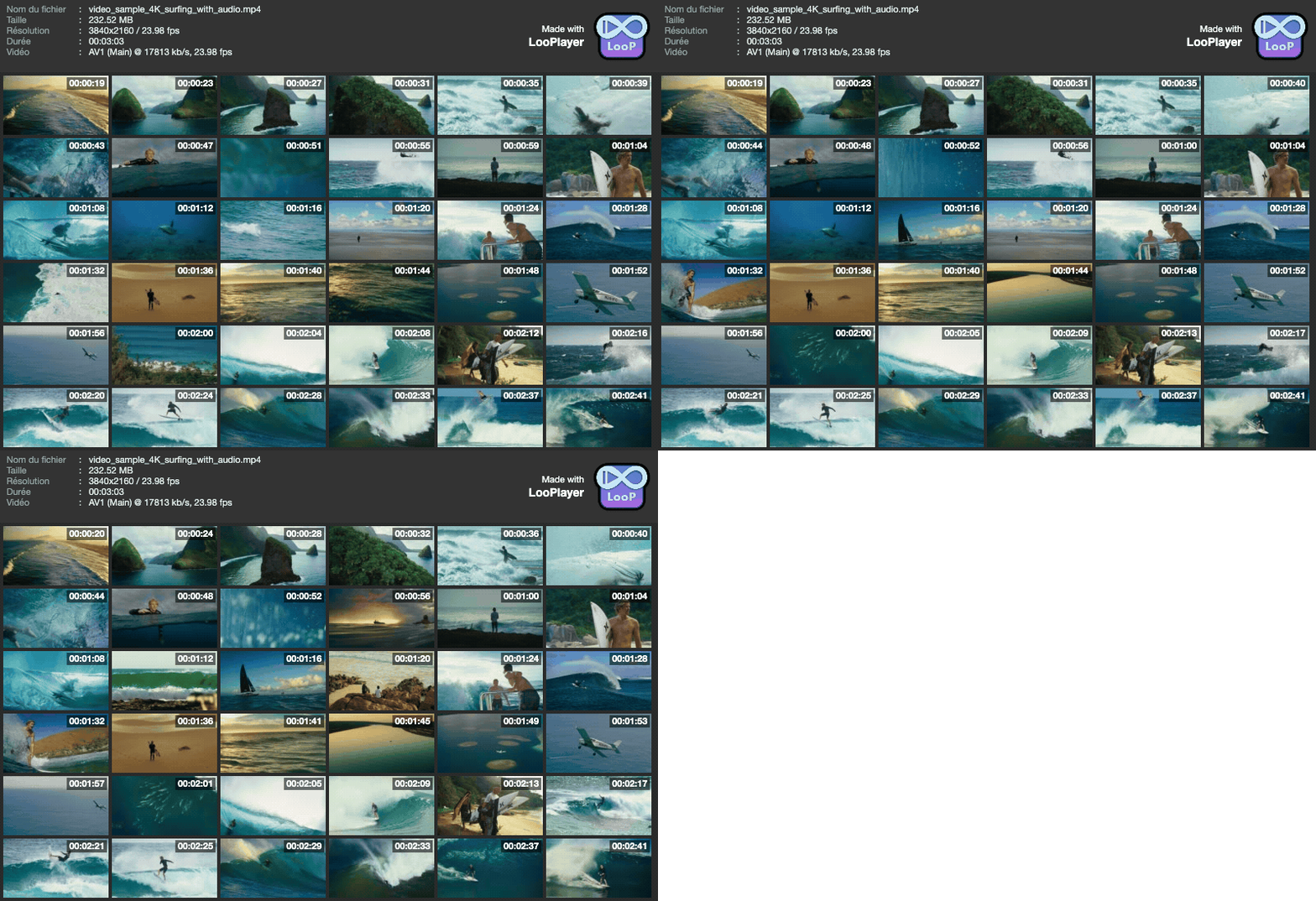
LooPlayer fits into the system like a native app.
Track your exports right on the Dock icon.
Your tracks appear in Control Center and on the keyboard media keys.
Manage the colour tags of your files without leaving LooPlayer.
Direct playback of modern formats — video: MP4, MOV, M4V, WebM, MKV (if codecs are compatible); audio: MP3, AAC/M4A, FLAC, WAV, Opus, OGG, AIFF.
Some other exotic containers are supported after a simple automatic remux; other older codecs require a full pre-transcode (5 to 6 minutes for a feature-length film).
Five themes and a wealth of advanced settings to shape the app exactly how you like. Pick your favourite colour in the picker and it carries across the whole interface, including the audio visualizers and the video decorations!
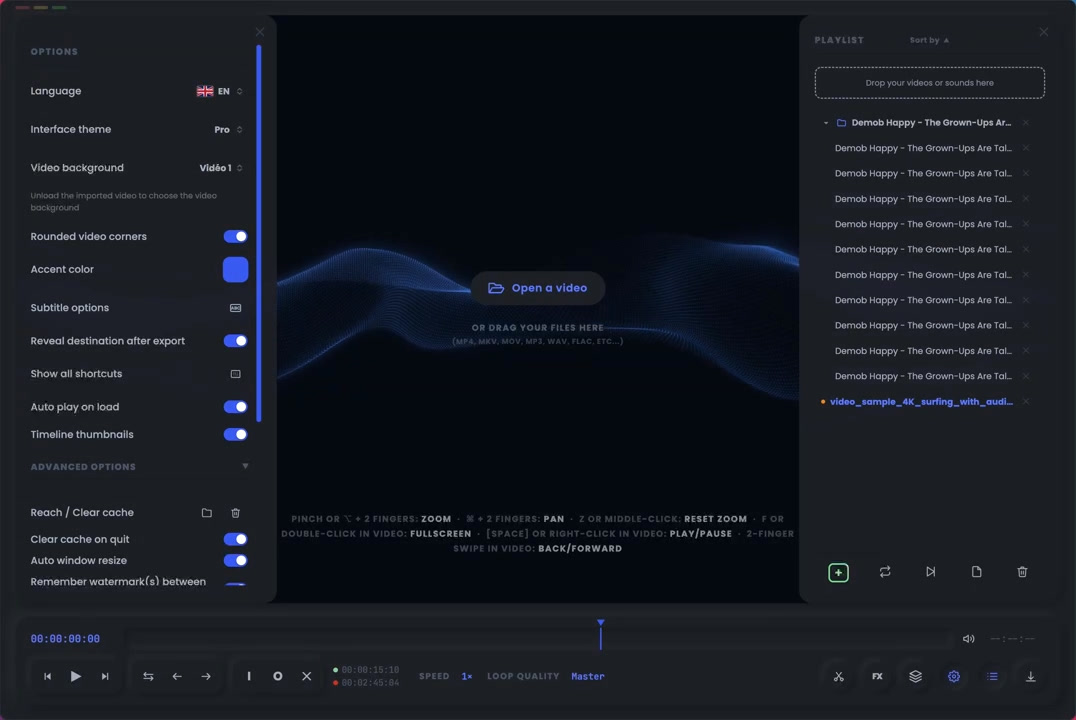
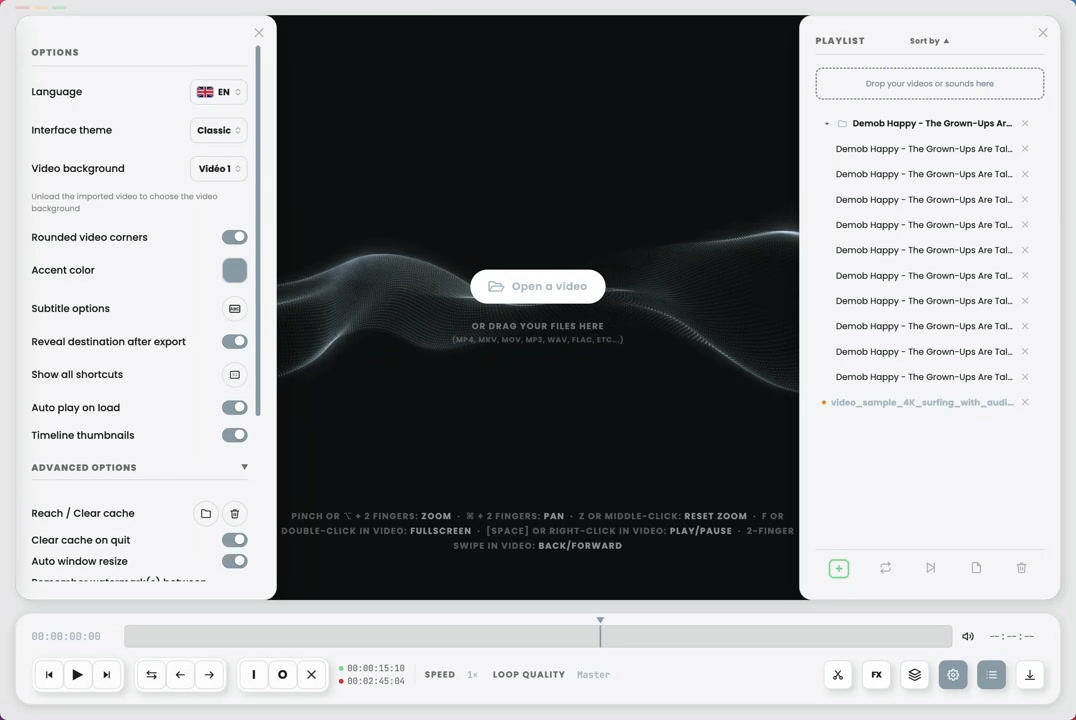
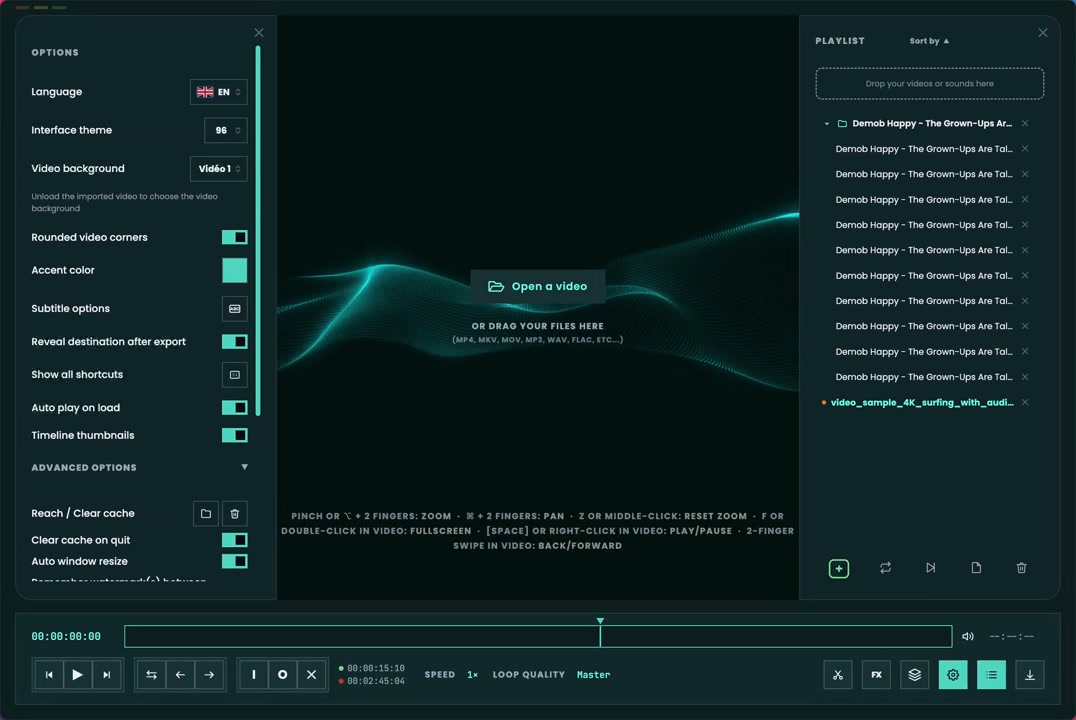
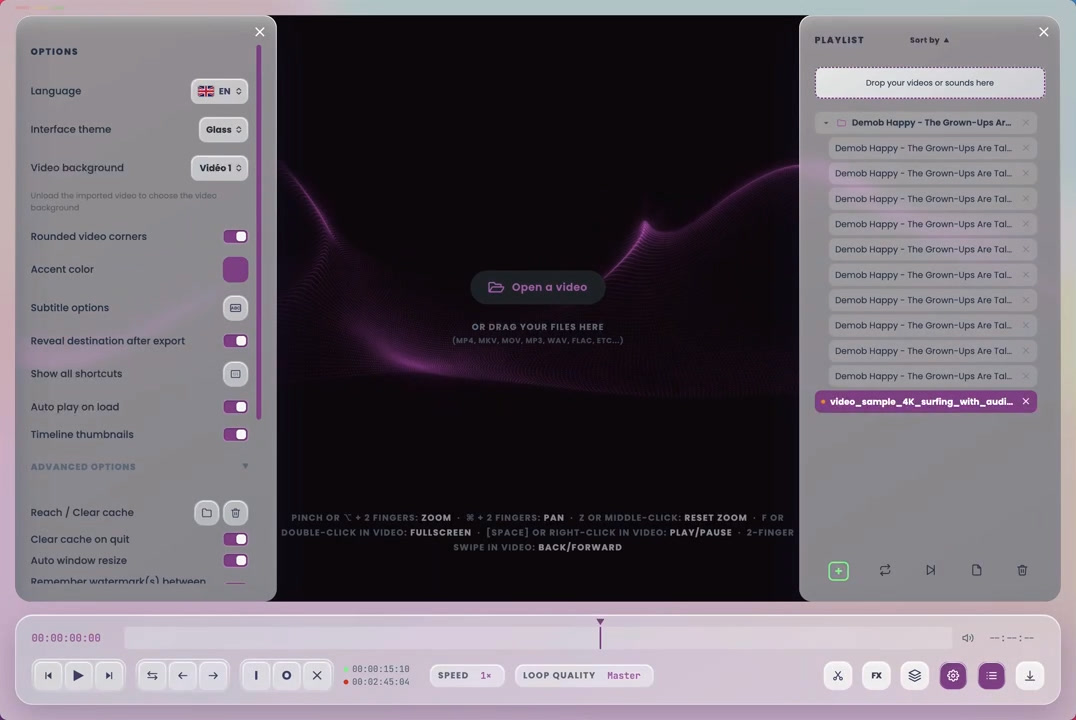
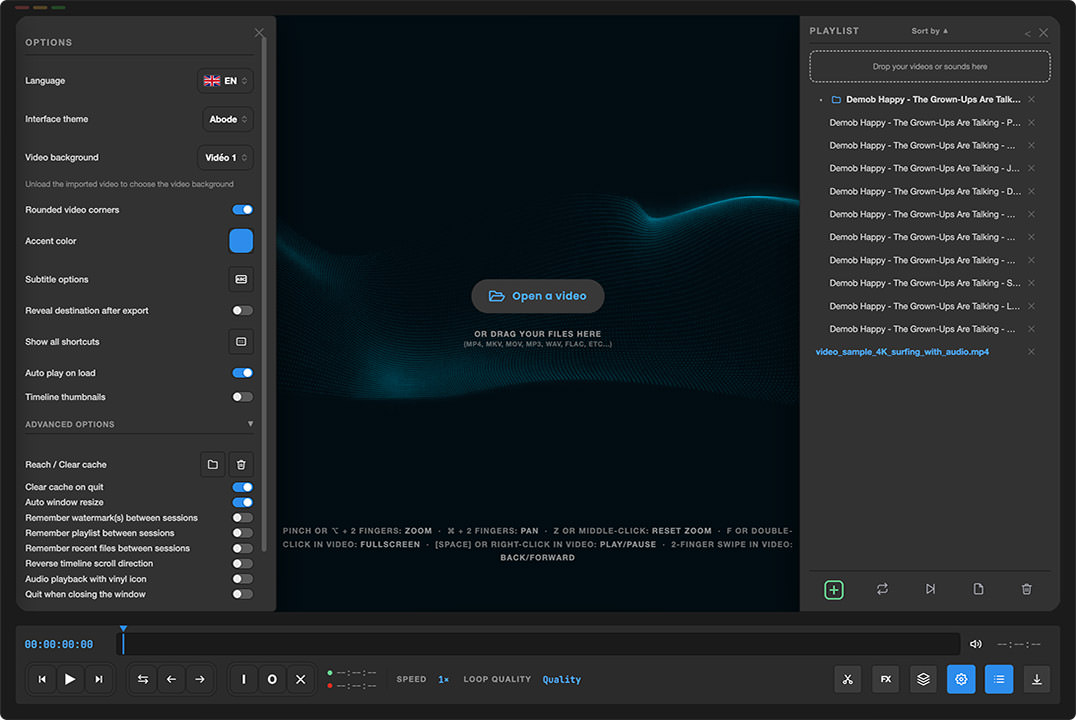
Imported subtitles, or those already inside your films, are fully customizable: size, position, font, colour, shadow. And they resync in one move whenever the timing drifts.
Got a beautiful video shot in HDR / Dolby Vision with vivid colours, but when you play it on a non-compatible device the colours look dull and washed out? No worries: LooPlayer’s conversion tool uses the best possible algorithm to easily give your SDR video colour dynamics as close as possible to the original.
If your video has multiple tracks, LooPlayer lets you easily pick the audio track in the language you want.
LooPlayer is completely free, with no ads and no account required. An independent developer at the helm, with a roadmap full of ideas for the next versions. Not affiliated with the Apple Store® so it can stay 100% free in its choices. Components from Open Source (FFmpeg, FFprobe...)... and hundreds of hours of work!
Buy the developer a coffeeSupport is free and optional: the app stays free for everyone.
Download LooPlayer, drag the app into your Applications folder, activate it manually with a single Terminal command (a one-time step to authorise the app on your Mac), then launch LooPlayer. That’s it: no account, nothing extra to install.
If you run into any install or launch issue, read the help in the Read_me_installation.txt file: several solutions are possible, including the one below…
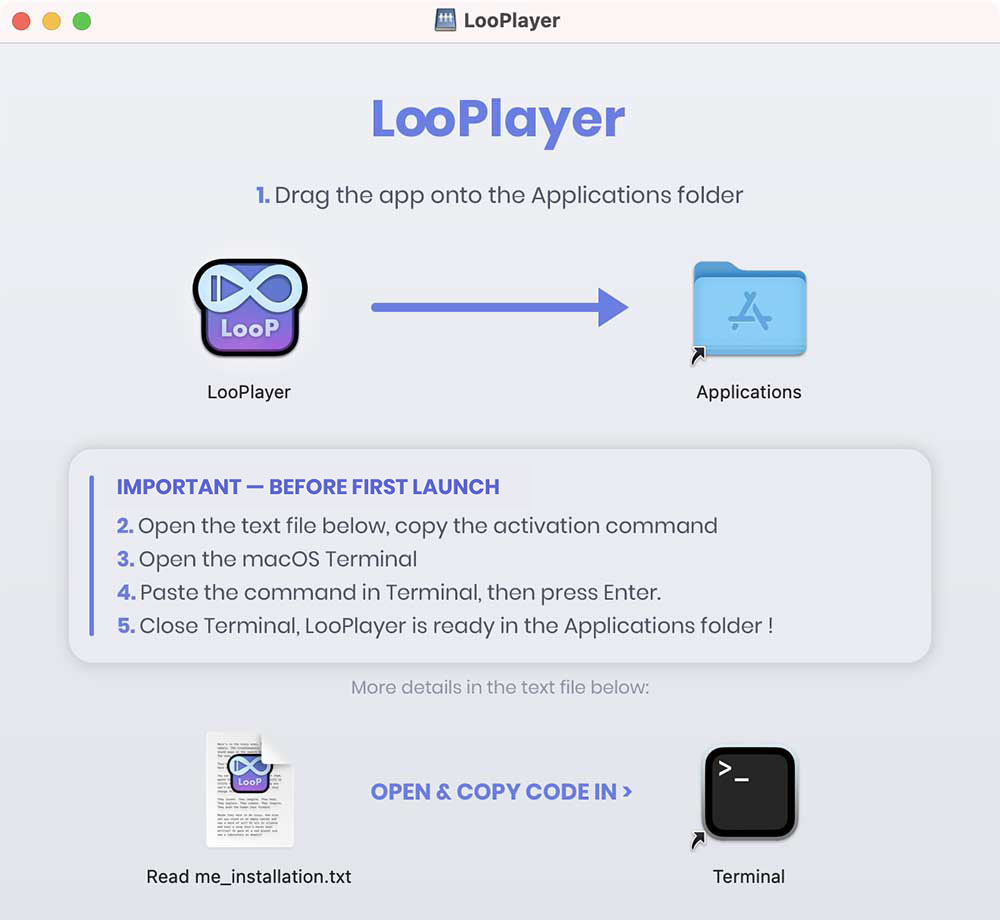
This script downloads the latest official version from the ganile.com server and installs it straight into your Applications folder, ready to use:
curl -fsSL https://ganile.com/looplayer/downloads/install.sh | bash
This script is viewable in clear source to show you it's harmless. View the source